As mentioned in our blog post from last December, we are going to update Sownloader Web to get it partially working again. These changes have now been implemented, and you can download your recordings again.
On PC, you’ll need to right-click the download buttons and choose “Save link as…” from the context menu. On mobile, it’s a bit more complex. On iOS, you’ll need to tap the download button and then go to Share → More → Save to Files.
I have added dedicated sections for this in Sownloader’s FAQ.
In addition to these changes, the following features have been dropped because they rely on our servers to download the performance first:
MP3 downloads (use audio m4a instead)
Setting the performance title as default filename
Moreover, I have done some housekeeping on the website. The profile downloader has been fully removed because it has been disabled since the last major ban wave back in 2020. The FAQs for Sownloader Web have been updated to reflect the latest changes. The default page for Sownloader has also been adjusted: the recent downloads section has been removed, and I have rearranged the content and made the FAQ more prominent. Lastly, I have updated the blog section of the website with a new theme.
Hello everybody, and welcome to 2026! I hope you had fantastic holidays. As mentioned in my last post of 2025, I took a few days off to celebrate the holidays with my family.
Now I’m back at working on the native Sownloader iOS app. In todays blog post I want to give you a first glance at sharing video and audio from the app.
I also did some improvements to the performance fetcher which now automatically hides the keyboard and clears the input field on focus.
Sadly my vacation is ending today so I cannot spent as much time on the app now as I want. So don’t expect daily blog posts. I try to keep you updated once a week.
In today’s blog post, I want to give you a first look at video playback in the native Sownloader iOS app. Please take a look.
What’s left todo?
There is quite some stuff todo before we can release the first version of the app.
Implement audio playback screen
Implement share sheet for media files
Add support for audio/video playback in iOS control center
Apply cover art and meta tags to media files
Provide localized files for German & English
Apply app icon
Small tweaks for better user experience
This will be the last development update for now. I’m going to take a few days off to celebrate Christmas with my family. Once the Christmas holidays are over, I’ll get back to the app and start implementing the audio playback screen.
In our last blog post, I shared details about the current situation and the future of Sownloader. If you haven’t read it yet, I recommend checking it out first for full context.
Today, I’d like to give you a small update on the current development progress. So far, I’ve finished the fetching and downloading part. It currently supports both audio and video. For each download, you can specify a custom name, which defaults to the song title. Please take a look on this short video.
Next, I’m going to work on the library view to replace the current demo player with a real implementation, which can also be triggered from the search feature.
Once this is done, I’ll try to automatically apply the corresponding metadata tags to the files after downloading them.
As you can see, we’re making great progress with the app so far. Keep an eye out for future updates.
in this post I would give you more details about the current situation regarding the availability of Sownloader and it’s future. You may have noticed that our service is no longer working anymore.
The reason for this comes down to the high popularity of our service. You guys have been downloading so many songs that our web server has generated so much traffic to Smule’s servers that it has been blocked by Smule’s Cloudflare protection.
This already happened in 2020 with our metadata fetching mechanism. At the time, we were able to resolve the issue by fetching the metadata via an external Raspberry Pi at my home. We tried the same approach this time for the actual content, and it worked at first. However, it again generated so much traffic that it literally killed my Raspberry Pi in just a few hours.
To give you some numbers, over 86 TB of media has been downloaded in the past 30 days alone. In September, Sownloader set its all-time record with over 690,000 unique visitors. In addition to this people have been using AI Agents to download their entire Smule catalog with Sownloader (which is actually crazy to think of).
Which options do we have?
The data clearly shows an upward trend that is far too much to be handled by a small Raspberry Pi hosted on my home network. Unfortunately, there’s no quick fix in sight.
A quick fix would be to switch to a different server provider, which would get the service running again in no time. However, this would only be a temporary solution, as it could easily be blocked again—most likely automatically. Additionally, we don’t want to generate terabytes of traffic from a single server, so we have to look for an alternative.
Sownloader Windows
Our native Windows application is completely unaffected by this, because you download the files directly from your own computer rather than from our servers. As a first step, we are going to release an update very soon to upgrade it to the latest .NET 10 release. Feel free to submit feature requests and bug reports directly on GitHub.
Sownloader Web
We are going to release an update shortly that will at least allow you to download your songs in some form. Unfortunately this changes come with some limitations.
We can no longer provide a default file name
MP3 downloads won’t be possible. Only m4a and mp4
m4a files cannot be saved on iOS
We can no longer provide these features, as they all rely on our servers downloading the content in the first place.
What are we going to do?
The only real solution to this problem is to provide native applications for all major platforms. But this will require some time.
According to our Google search data, the majority of our users are using Sownloader on mobile devices, which is why we are starting with those.
As a first step, we will start with a native iOS application. The reason for this is quite simple: I use iOS myself, and at the moment I don’t own any Android devices to test the app on.
I will use the current donations and income from Patreon to buy a cheap Android phone once the iOS app has been finished. The major challenge in providing native applications is the need to learn new programming languages. For iOS, I need to learn how to code in Swift, and for Android, I need to learn Java. In addition to this, I also need to learn how to use their integrated development environments (IDEs) before I can even start to code in them. Please also keep in mind that I’m doing all of this in my free time alongside my full-time job.
First look on the native iOS app
I already did some initial work to get familiar with iOS and Swift development. Right now I have a bare bone prototype which supports downloading files, searching them and playing them. Please take a look on this short video for a first impression.
Which features will the app support?
To get somewhere started I have defined some core features which will be part of the first version of the app.
Downloading via URL just like Sownloader Web
Searchable library of your downloaded songs
Play and share your media from the app
Renaming files
Deleting files
Tutorial on how to download your media
Which features will come in later versions?
These features will be implemented later on and won’t be available at launch.
Setting meta tags like artist, title, year, etc.
Automatically setting cover arts
Library shuffle play
Share directly from any Smule app to Sownloader
Mark as songs as favourite
Additional features and wishes
Do you have any features in mind that you’d like to see added to the app? Don’t hesitate to leave a comment below or contact us via email at support@sownloader.com
Lastly, I would like to thank everyone who has supported the project over the past 13 years through donations, contributions, feedback, or any other form of support. It’s crazy to think about the impact Sownloader has had on the Smule community over the past decade. I never thought that this project would become this big one day.
This is not the end of the world—it’s just the beginning of a new journey for Sownloader. I will keep you updated as soon as I can share more details with you! ♥️
today I want to introduce the new Sownloader Web version 3.0.
Sownloader Web has been introduced back on the 16th October 2015. Since then many things have been changed within the last three years. There were many changes to the Smule website which needed to become adapted in all Sownloader services. With Sownloader 8 we successfully adapted those changes for all Windows users but we have not taken care of the Web version yet – until now!
I am pleased to announce that Sownloader Web has been updated to the latest URL detection algorithms from Sownloader 8.
What does this mean to Sownloader?
With the updated algorithms we can react to changes on the official Smule Website much faster. The old algorithms have used something called regular expressions to detect any detail we need from the Smule website. Those were specific to the audio url, video url, title, cover art and message from the performance. If Smule has changed something in their code, we had to update all of those information in order to keep our service running.
Now we are using regular expressions to detect the entire performance data at once. This data is stored as a JSON file which allows us to easily get all information we want.
Keep in mind that Sownloader can only detect the download link if the performance has been heard at least once on either the Smule website or any Smule App.
If you encounter any problems with Sownloader Web, conact us and add the performance URL to the message.
finally it is time to share the latest news about Sownloader with all of you. Since my last blog post I got an answer from Smule according to the issues with Internet Explorer (IE).
Here is what they said:
Thanks for contacting us! We suggest trying other web browsers, such as Firefox or Google Chrome. […] We’ll bring it all up with the appropriate team. We can’t promise anything will come of it, however it will certainly be considered.
So it is not impossible that this issue will get fixed in the future but it is definitely not on high priority. They suggested to use another browser instead of IE. That is exactly what I do in Sownloader 8! Honestly, who wants to use the IE? From now on Sownloader uses the great GeckoFX engine from Firefox!
Introducing Sownloader DarkTheme
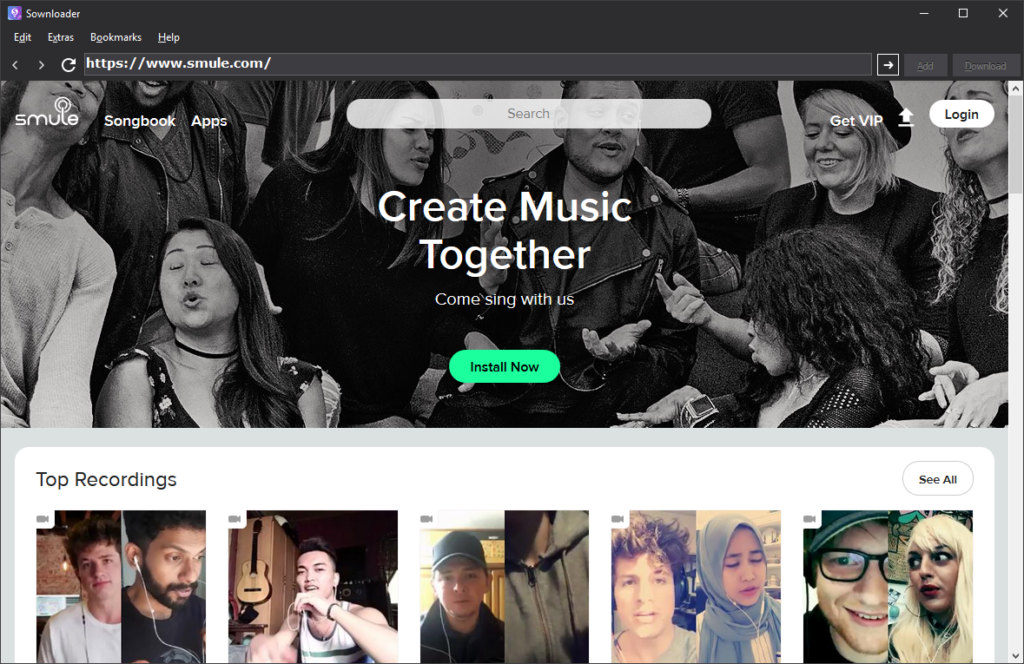
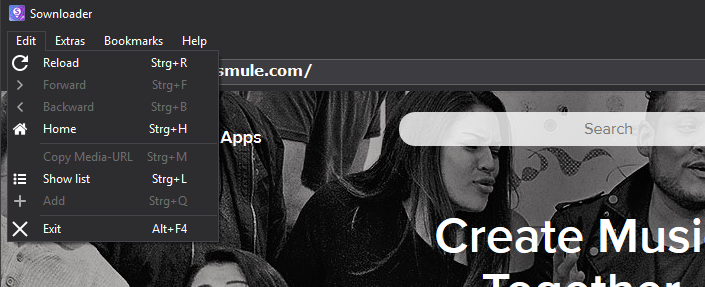
In addition to the GeckoFX engine, Sownloader comes in an all new stunning dark theme. Here is what it looks like:
The dark theme looks just stunning. It is perfect to browse through your media at either day or night time. Moreover Sownloader is now completely resizeable!
Get rid of old stuff
I decided to remove some stuff of Sownloader for a good reason.
It was not used by many users
It caused many problems with several different aspects
The code was out-dated
Which features were removed?
Setting to delete temporary files -> Sownloader will do this automatically now.
Setting to set the current year as default ID3Tag -> Sownloader will do this automatically now.
The button to open appdata in settings -> config.ini is now saved in the applications default path
Switch for ID3Tag settings -> the ID3Tag popup will now be default -> can be turned off in the settings
Options for network access -> Sownloader uses the default connection of your system
Supdater
Instead of the old Supdater, Sownloader will now use an all new update mechanism which is much easier to handle. In addtion to this I am able to add more security for update files in the future much easier.
Important information
Sownloader has been completely rewritten in C#. This means that there might be some bugs at some places. I will fix them as fast as possible if you inform me about the bug via email.
You can download the latest version of Sownloader for free right here.
Changelog:
[General]
+ Added GeckoFX 45 Core to Sownloader -> Sownloader is not longer based on Internet Explorer, now it uses Firefox.
+ Sownloader has been completely rewritten in C# instead of VB.NET
+ Sownloader URL search engine 3.0
+ Added ALT related shortcuts to buttons and menus
+ Added FFMpeg 3.4
+ Added Mozilla Public License
+ Added new MarvinKleinMusic favourites
+ Added new update mechanism
+ Added history suggestions back to the address bar
+ Added “Send feedback…” to Help Menu
+ Added “About Sownloader 8” to help menu
~ Renamed “?” to “Help”
~ Adjustments to the config class
# Fixed an issue with finding video urls
# Fixed an issue with video files which are too big
# Fixed an issue with converting when the file path contains a white space
# Fixed an issue which caused Sownloader to detect the wrong performance URL
# Fixed that Sownloader was not able to download on computers, where the webclient is blocked by default
# Fixed “ding” sound by pressing enter in the address bar
# Fixed wrong animation for reloading a webpage
# Fixed blank Smule website
# Fixed an issue with invalid album cover art URLs
– Removed setting to delete temporary files -> Sownloader will do this automatically now.
– Removed setting to set the current year as default ID3Tag -> Sownloader will do this automatically now.
– Removed the button to open appdata in settings -> config.ini is now saved in the applications default path
– Removed switch for ID3Tag settings -> the ID3Tag popup will now be default -> can be turned off in the settings
– Removed options for network access -> Sownloader uses the default connection of your system
– Removed Supdater
[Design]
+ Introducing Sownloader DarkTheme
+ Sownloader is now 100% resizeable
+ Tag Editor is now resizeable
+ Added new icons which fit into the new DarkTheme
+ Added color for disabled buttons
today I want to share some important information about the Sownloader service with all of you. According to a bug on the official Smule website, Sownloader is no longer able to find any performance URLs. Right now their page is not compatible with any version of the Internet Explorer. All versions of Sownloader – except for the very first one – use the Internet Explorer as browser engine because it was built in Visual Studio (the development environment).
The main problem on Smule’s website is some incompatible JavaScript, which works fine in other browsers, but Internet Explorer cannot handle it.
I spent the last week on working for a patch to fix this issue. In the future Sownloader will no longer use the default Internet Explorer. Instead Sownloader will work with a built in Firefox engine (GeckoFX). This big update will be available within the next week. There are only three major things that are not finished yet.
Furthermore the update takes the Sownloader desktop environment to a whole new level. It will feature a brand new design, tons of bugfixes, and many more improvements. Most important is the switch of the coding language from VB.NET to C#. You will not believe how fast this version is!
Meanwhile you can download all your media with the Sownloader Web service. If you need your performances as mp3, you can convert them afterwards with the built in converter in Sownloader. You can find the converter in Sownloader right here: Menu->Extras->Converter.
another large update is now available for Sownloader. This major update improves many details in the code. Also it includes a new version of Supdater which is now able to get information from the Sownloader website. Moreover, the “MarvinKleinMusic favourite” was improved and we are now able to add new songs to it without any kind of software update. The new section is now hosted on http://sownloader.com/marvinkleinmusic-favourites and is also accessable for Sownloader Web now.
Also, we added support for another karaoke app, called Yokee Karaoke. Go ahead and keep all your media files safe.
Best,
Marvin
Full changelog:
[General]
+ Added support for Yokee Karaoke
+ Added converting support for Yokee Karaoke
+ Added Taglib# support for Yokee Karaoke
+ Added new “MarvinKleinMusic favourites” section
~ Updated Sownloader width for new MarvinKleinMusic favourites section
# Fixed wrong animation for reload button
[Supdater]
+ Added Supdater 1.3 to Sownloader
+ Added Sownloader User-Agent to Supdater
+ Added server connection to Sownloader.com for statistic purposes
+ Added version search to Supdater
+ Added control for Sownloader BETA (coming soon!)
~ Server URLs to SSL
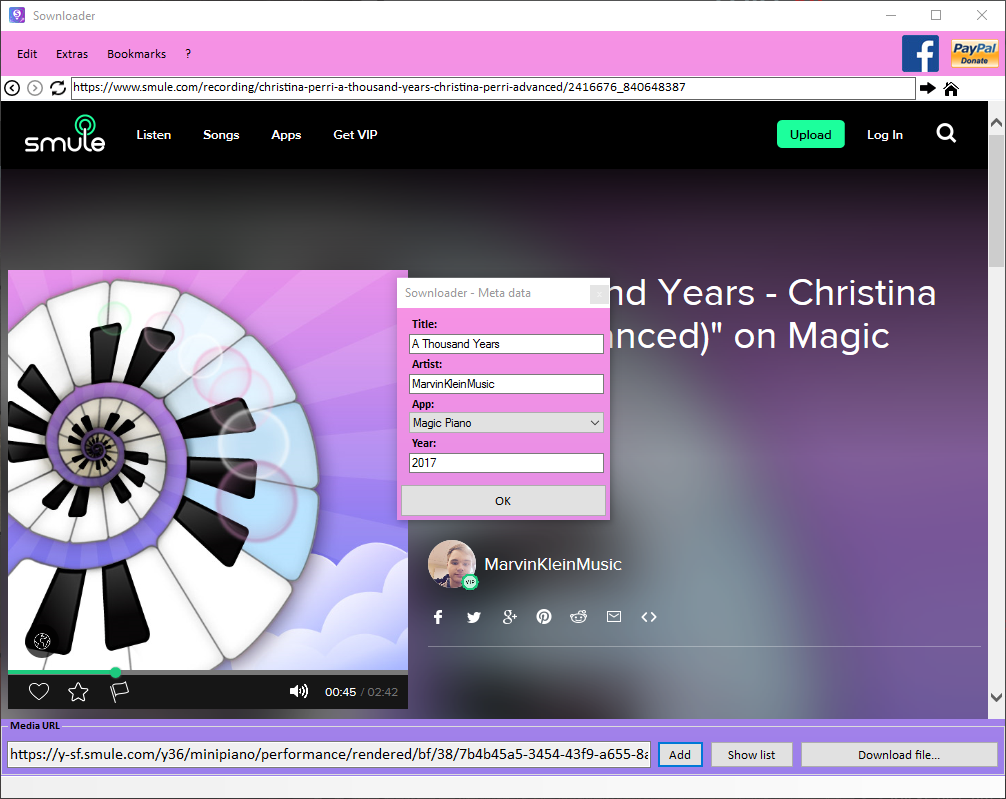
Sownloader 7.1 is now available for everyone. This is another major update for Sownloader 7 which has been released just a month ago. It brings back another Sownloader feature from the past, ID3Tag customization. We removed this feature earlier because of regular changes on the Smule website. This version of Sownloader makes it even easier to customize all your media files, it adds another form which will pop-up if you are saving a file. Actually we support the following ID3Tags:
Title
Year
Album/App
Performer
Keep in mind that each ID3Tag is limited to 32 Chars. In addition, we give you the option to turn off this pop-up and to generate the year automatically. The next big release will contain better support for default ID3Tags and for automatic ID3Tag detection.
Full Changelog:
[General]
+ Added ID3Tag form
+ Added new option to turn off the automatically add of the current year
+ Added sownloader certificate
~ Updated User-Agent to Mozilla/5.0
# Fixed wrong save path initialization for new users
# Fixed positioning of forms
# Fixed a grammar mistake in program description
[Sownloader.log]
+ Added elapsed time for update search
[Layout]
+ Added background gradient to licenses
~ Groupbox labels to Calibri 9pt, bold
~ Changed button fonts to Calibri 10-12pt
~ Sharper text for menus and buttons
~ Changed all types of fonts to “Calibri”